Tessli

Guided research path

Accessible colour tools

Goal

Tools for building colour systems, checking contrast, understanding visual-access needs, and evaluating interface accessibility.

Audience

Designers and frontend teams defining or auditing interface colour systems.

Expected decision

A colour system that communicates the intended brand while surviving contrast, visual-impairment, component-state, and page-level checks.

Save sources here, then use Boards to record the choices you want to carry into your project.

Ordered research sequence

Inspect one stage at a time

Start with the first stage, inspect each source against its prompt, and save the references that help you make the decision.

Stage 1

Build the system

Inspect
Generate candidate palettes and scales with explicit accessibility constraints rather than choosing isolated swatches.
Decision supported
Choose the tonal structure and semantic colour roles to prototype.

  1. Role — Why included
    Adobe Color supports early palette exploration and basic accessibility checks.
    Inspect
    Generate candidate palettes and scales with explicit accessibility constraints rather than choosing isolated swatches.
    Decision prompt
    Choose the tonal structure and semantic colour roles to prototype.

  2. Role — Why included
    Leonardo helps generate adaptive, contrast-aware colour systems.
    Inspect
    Generate candidate palettes and scales with explicit accessibility constraints rather than choosing isolated swatches.
    Decision prompt
    Choose the tonal structure and semantic colour roles to prototype.
  3. Role — Why included
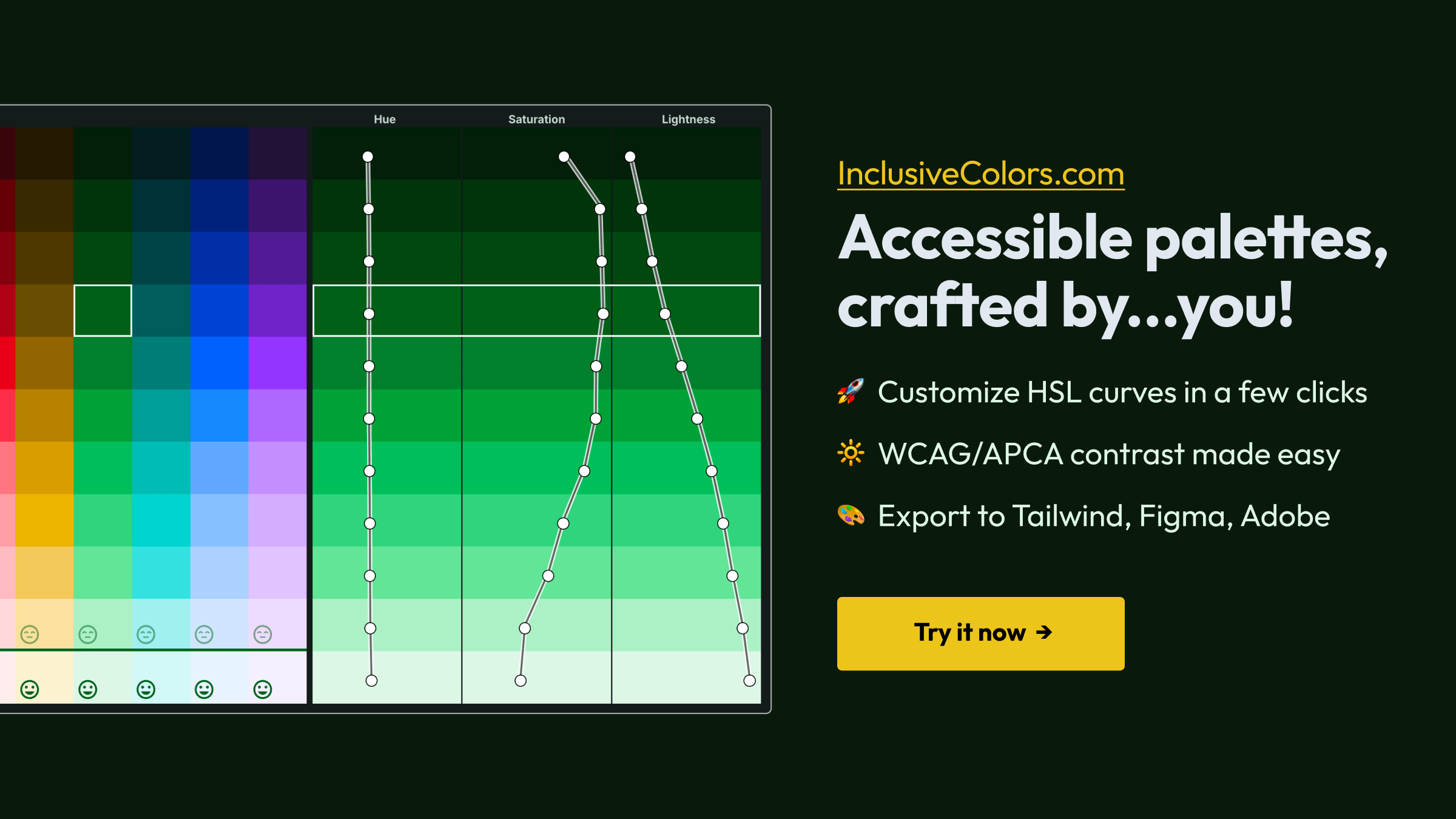
    InclusiveColors creates WCAG-aware scales suitable for tokenized interfaces.
    Inspect
    Generate candidate palettes and scales with explicit accessibility constraints rather than choosing isolated swatches.
    Decision prompt
    Choose the tonal structure and semantic colour roles to prototype.

Stage 2

Test human impact

Inspect
Inspect contrast ratios and how combinations affect people with different visual impairments.
Decision supported
Decide which colour pairs and text treatments are safe for the intended content.
  1. Role — Why included
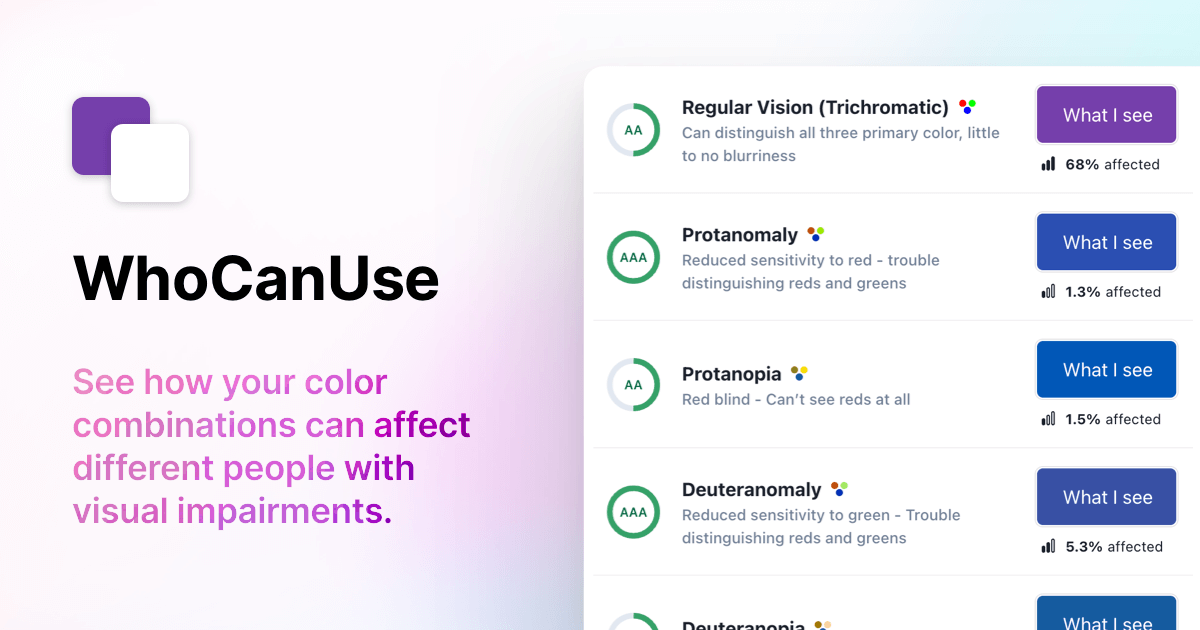
    Who Can Use translates contrast choices into human-impact context.
    Inspect
    Inspect contrast ratios and how combinations affect people with different visual impairments.
    Decision prompt
    Decide which colour pairs and text treatments are safe for the intended content.
  2. Role — Why included
    WebAIM Contrast Checker provides a focused standards-based foreground/background test.
    Inspect
    Inspect contrast ratios and how combinations affect people with different visual impairments.
    Decision prompt
    Decide which colour pairs and text treatments are safe for the intended content.
  3. Role — Why included
    Stark supports collaborative accessibility review across design and development tools.
    Inspect
    Inspect contrast ratios and how combinations affect people with different visual impairments.
    Decision prompt
    Decide which colour pairs and text treatments are safe for the intended content.

Stage 3

Verify in context

Inspect
Preview the system on interfaces, then run page- and component-level accessibility checks.
Decision supported
Approve, revise, or reject the colour implementation based on contextual evidence.
  1. Role — Why included
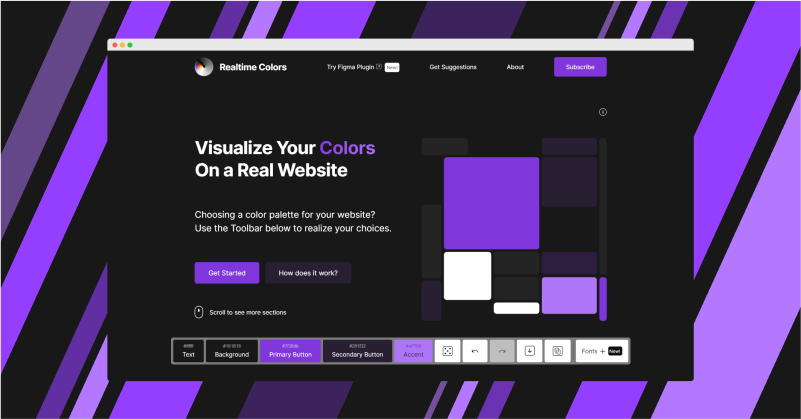
    Realtime Colors previews palette and typography choices in a page-like context.
    Inspect
    Preview the system on interfaces, then run page- and component-level accessibility checks.
    Decision prompt
    Approve, revise, or reject the colour implementation based on contextual evidence.
  2. Role — Why included
    Open Color offers an interface-oriented open colour scale for comparison or adoption.
    Inspect
    Preview the system on interfaces, then run page- and component-level accessibility checks.
    Decision prompt
    Approve, revise, or reject the colour implementation based on contextual evidence.
  3. Role — Why included
    Accessibility Insights supports structured automated and guided implementation checks.
    Inspect
    Preview the system on interfaces, then run page- and component-level accessibility checks.
    Decision prompt
    Approve, revise, or reject the colour implementation based on contextual evidence.
  4. Role — Why included
    WAVE provides a second page-level evaluation lens for issues automation and visual inspection reveal.
    Inspect
    Preview the system on interfaces, then run page- and component-level accessibility checks.
    Decision prompt
    Approve, revise, or reject the colour implementation based on contextual evidence.